 Sakis Player
What the app does
A full set-top box experience, driven by the remote your TV already came with.
Watching
Live TV & radio
Your provider's channels in their own categories, with channel numbers and a docked preview while you browse.
Programme guide
A two-level EPG: what is on now and next, and the full description when you want it.
Video club
Films with posters and details, opened straight from the list.
Series
Proper series handling — seasons and episodes, not one flat list of files.
Pause, rewind, zap
OK pauses and resumes films; ◄ / ► jump back and forward; ▲ / ▼ change channel from full screen.
On-screen info bar
Channel number, title and clock appear on a zap and fade away on their own.
Real screens from the app
The same app on every platform. Device details on these screens are blurred.
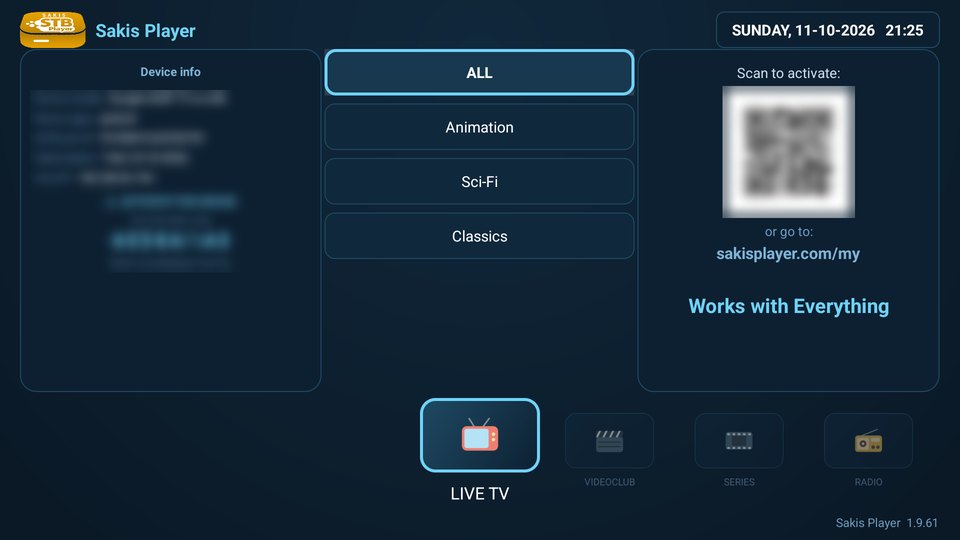
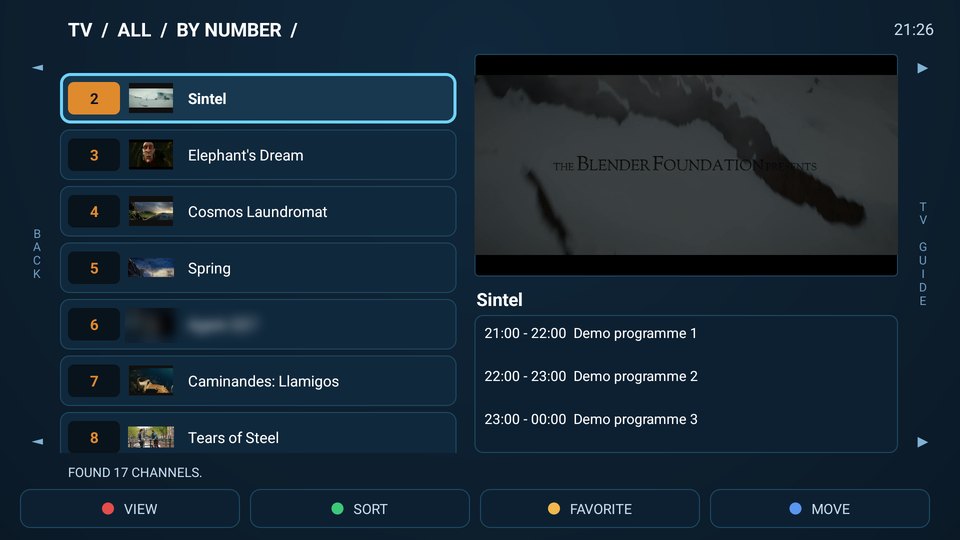
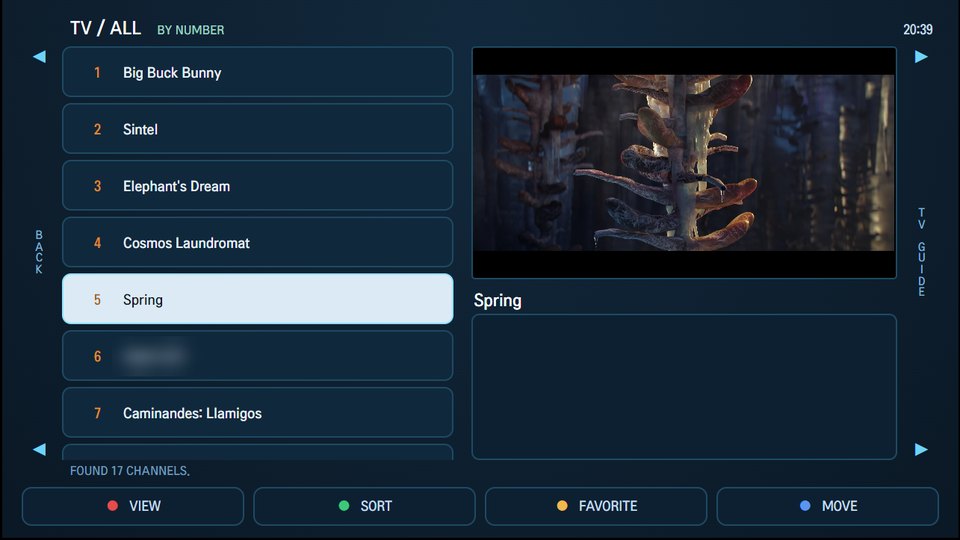
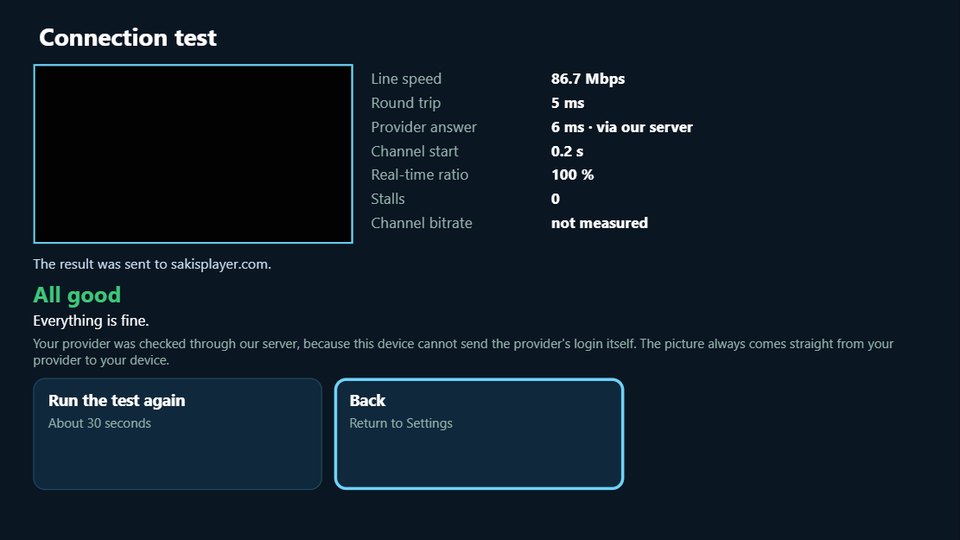
Shown: our demo list of open movies (Sintel, Spring and others © Blender Foundation, CC BY).
Organising
Favourites
Mark the channels you actually watch and switch to a favourites-only view.
Sorting & reordering
Sort by number or name, or move channels into the order you prefer and keep it.
Search
Find a channel or title with the built-in on-screen keyboard — English, Greek and German layouts.
Parental control
Lock categories behind a PIN. The PIN can also be set remotely from your account.
Multi-language
Interface in English, Greek, German and more, following your TV where possible.
Video output modes
High quality by default, with a compatible mode for older panels that struggle.
Any remote, any device
Colour keys
Red, green, yellow and blue map to view, sort, favourite and move — as on a real set-top box.
Simple remote mode
No colour buttons? An on-screen bar appears; walk it with ◄ / ► and press OK. Nothing becomes unreachable.
Hardware playback
Each platform uses its own native player — AVPlay on Samsung, the hardware player on MAG, ExoPlayer on Android — so 4K plays where the device can.
Nothing to maintain
Updates arrive through the app store. MAG boxes load the newest version every time they open the portal.
Managed from this website
All your TVs in one list
Every linked device with its status, expiry date, virtual MAC, IP and last-seen time.
Change portals yourself
Add, edit and switch providers whenever you like — in whatever format your provider uses — without asking anyone.
Fix a stuck session
One button clears the saved provider connection when a portal refuses a second login.
Notes per device
Label each TV so you know which is the bedroom and which is your mother's.